🦞 Clawdbot on Railway
This post is a step-by-step walkthrough to deploy Clawdbot on Railway.
Prerequisites
Create an account on Railway
Install the Railway CLI
Know what channel you want to use to interact with Clawd (Whatsapp/Telegram/Discord/Slack etc)
Steps
Deploy the template
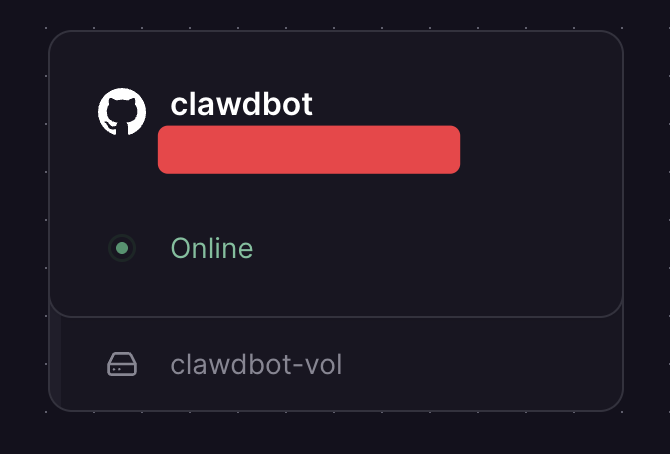
Start by deploying the template. Once deployed successfully, the service will say "Online".
SSH into the container
Right-click the service card (pictured above) and click "Copy SSH Command".
Open a terminal and log into the Railway CLI using
railway loginPaste the SSH command you just copied and hit enter.
You should now be inside the container.

Onboarding
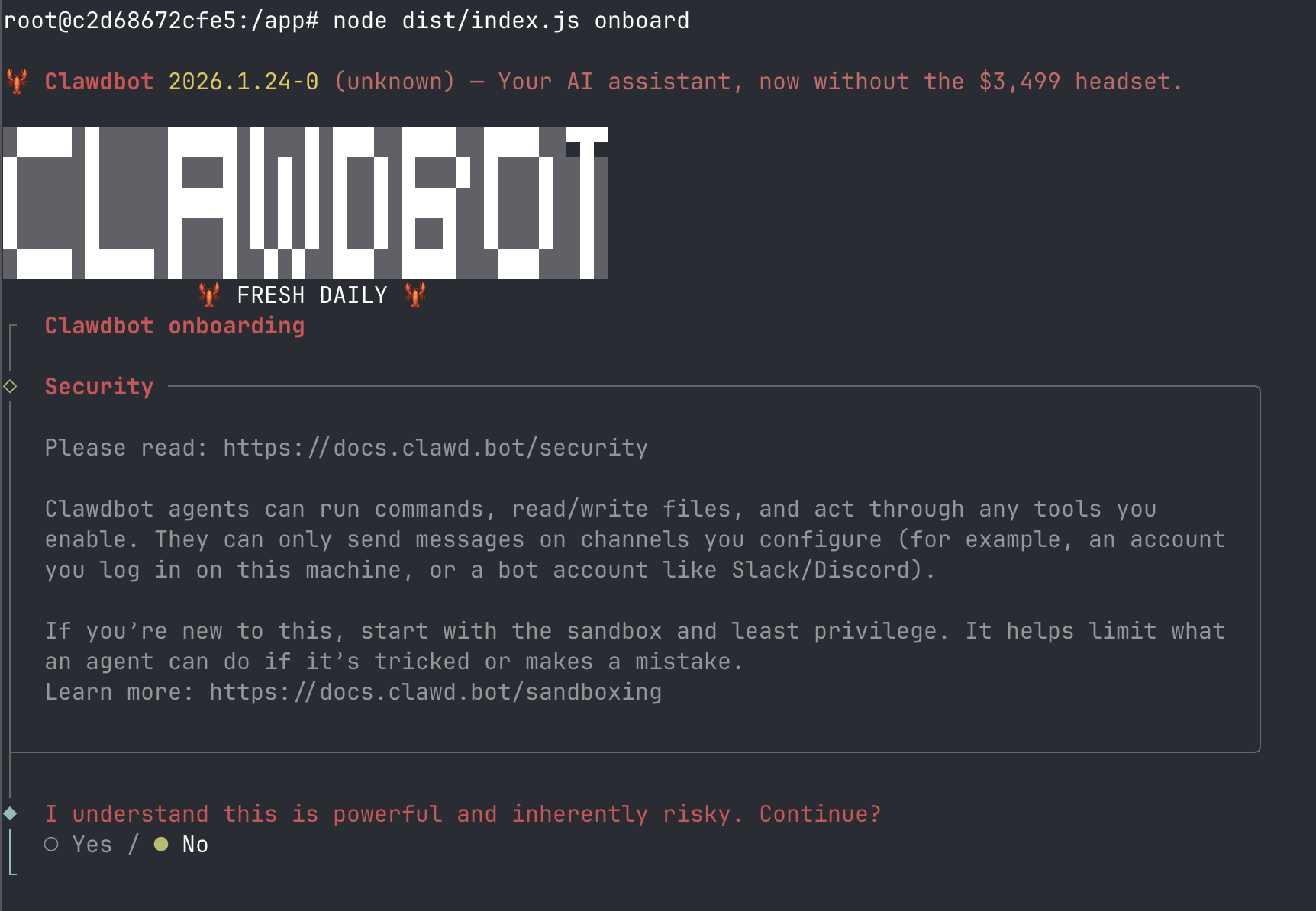
Once in the container, run
node dist/index.js onboard.This should walk you through setting up the onboarding for Clawd which includes setting up your AI tokens and configuration for the channels.
Hatch your Clawd
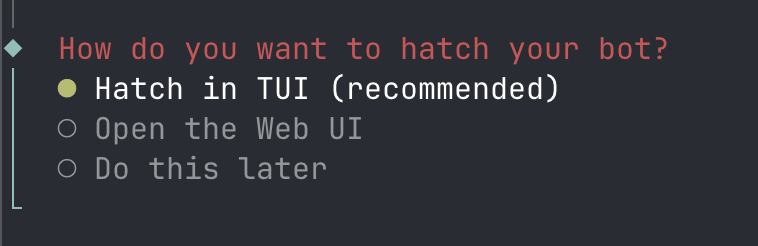
Towards the end of your onboarding, you will be asked how you want to hatch your bot. Choose "Hatch in TUI". This opens a chat interface within the TUI allowing you to chat with your bot and test it but also approve any pairing requests from the channels you're trying to use.
Note: You can simply tell the bot to approve pairing requests!
Profit?
You should now be up and running!